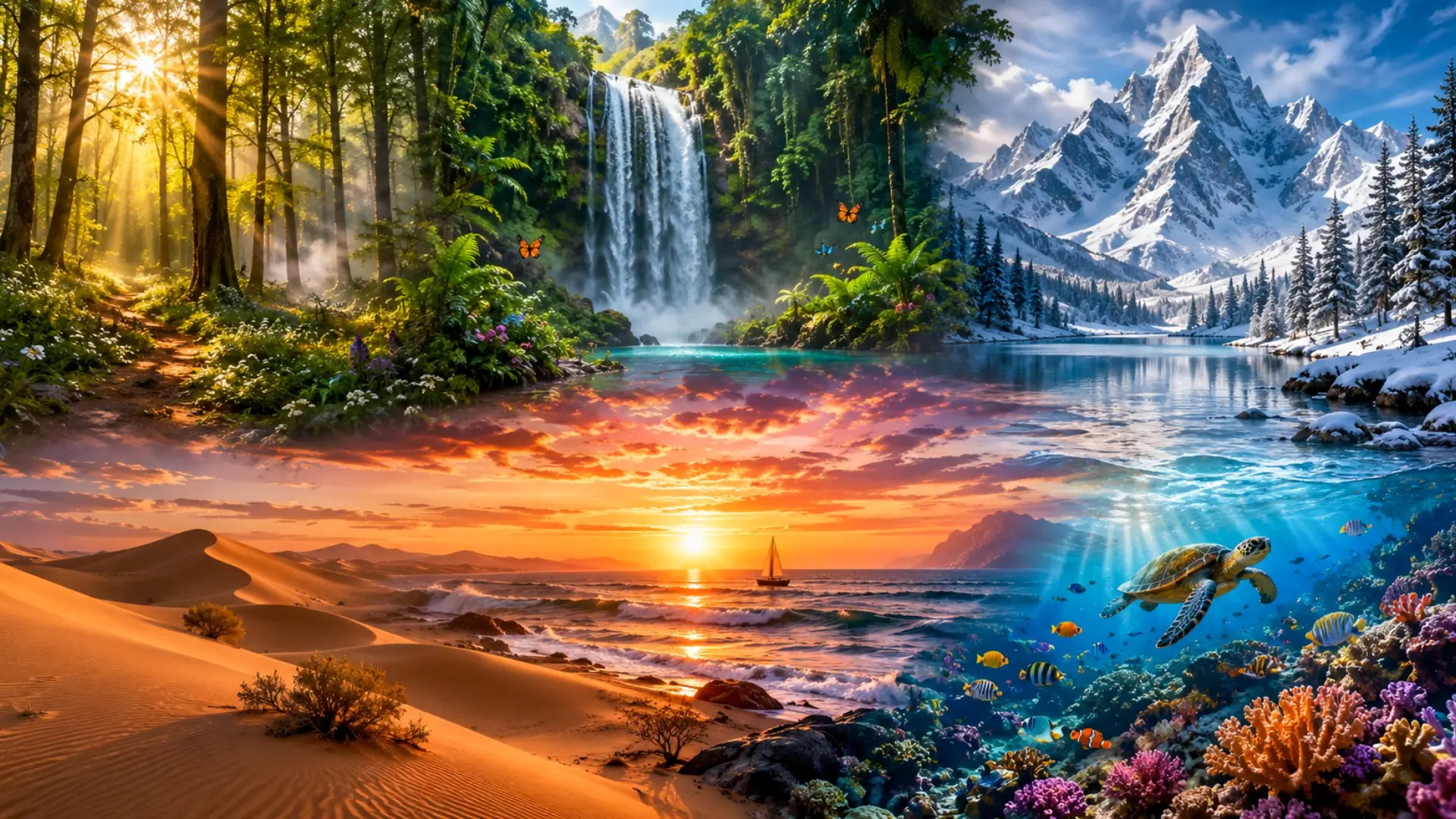
If you love nature and want a beautiful wallpaper for your phone or computer, you no longer need a photographer or a designer. With the use of AI image generation platforms such as ChatGPT (DALL-E), Midjourney, or Adobe Firefly, you can generate very beautiful environment wallpapers by giving a few prompts.
A prompt is simple instruction giving to any AI tools like ChatGPT to give output as per the user’s input for creating environment wallpaper
In this article, we have given 6 of the best ChatGPT prompts for creating environment wallpapers.
What Are AI Image Prompts and How Do They Work?
An AI image prompt is a text instruction that you type into an AI tool to tell it what image you want. The AI reads your words and creates a picture based on your description. For example, if you type “a green forest with sunlight coming through the trees,” the AI will generate an image that looks exactly like that.
The better your description, the better your result. You can mention the time of day, the colours you want, the mood of the image, and even the style, such as realistic, painted, or cinematic. Once you know the basics, creating wallpapers with AI becomes very easy and fun.
ChatGPT Prompts for Creating Environment Wallpaper
Here are 6 ready-to-use prompts. You can copy any of these and paste them directly into ChatGPT, Midjourney, Adobe Firefly, or any other AI image tool of your choice.
Prompt 1: Peaceful Forest Morning
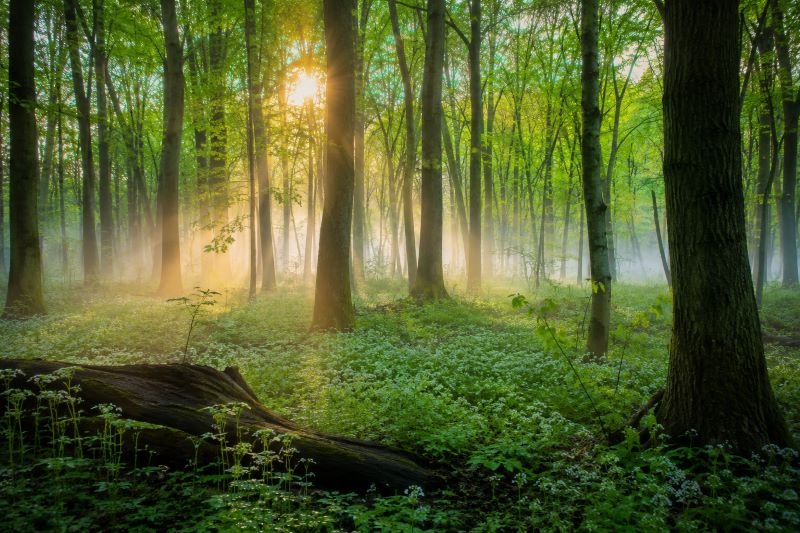
Source: ChatGPT
Prompt: “A wide and peaceful forest in early morning. Tall green trees with soft sunlight coming through the leaves. A thin mist floating near the ground. Small flowers on the forest floor. Very calm and quiet mood. Photorealistic style. Perfect for a desktop wallpaper.”
Best Used For: Home screens, laptop wallpapers, and meditation or study setups.
Pro Tip: Add “autumn leaves” to the prompt if you want a warmer, orange and red colour tone.
Prompt 2: Ocean Sunset Horizon
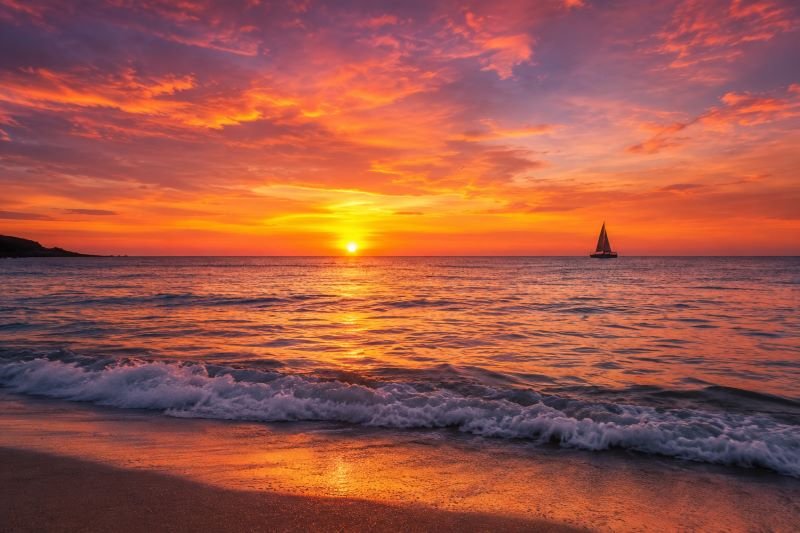
Source: ChatGPT
Prompt: “A beautiful ocean at sunset. The sky is filled with orange, pink, and purple colours. Gentle waves on the water. A small sailing boat in the distance. Warm golden light on the sea surface. Ultra-realistic. Wide desktop wallpaper format.”
Best Used For: Creative workspaces, phone lock screens, and bedroom displays.
Pro Tip: Add “no text, no people” at the end if you want a completely clean and distraction-free wallpaper.
Prompt 3: Snowy Mountain Peak
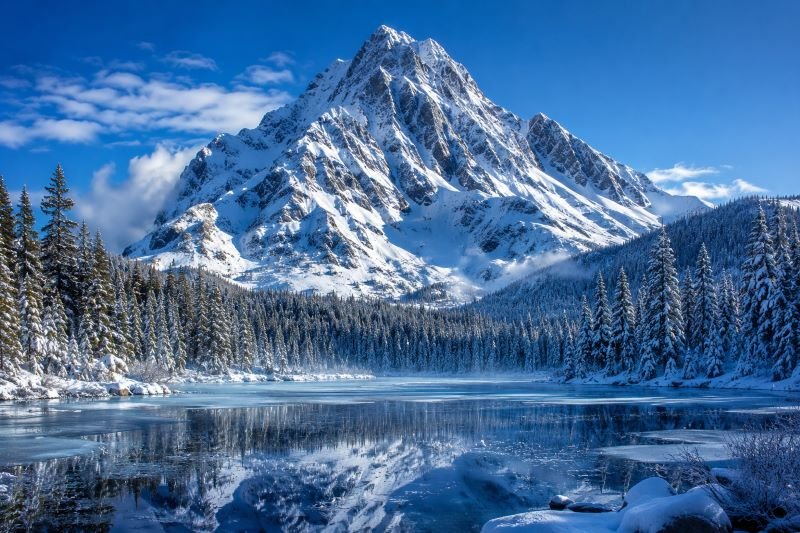
Source: ChatGPT
Prompt: “A tall snow-covered mountain under a bright blue sky. Pine trees at the bottom covered in snow. A frozen lake reflecting the mountain. Clear crisp air feel. High detail, photorealistic landscape. Suitable for a 4K desktop wallpaper.”
Best Used For: Office setups, professional desktops, and minimalist screen themes.
Pro Tip: Replace “blue sky” with “dramatic stormy sky” for a more powerful and intense look.
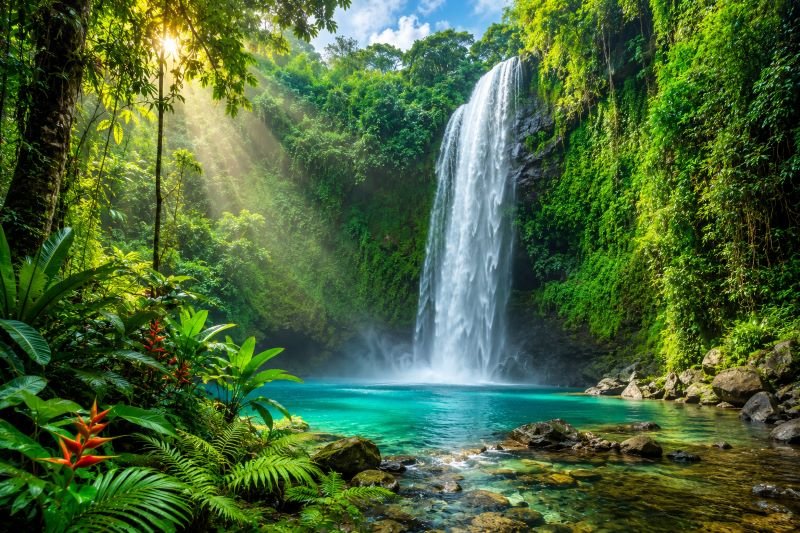
Prompt 4: Tropical Rainforest Waterfall
Source: ChatGPT
Prompt: “A tall waterfall inside a lush tropical rainforest. Green plants and ferns all around. Soft sunlight breaking through the tree canopy. Clean blue water at the base of the waterfall. Mist in the air. Vivid colours, high detail. Wide wallpaper format.”
Best Used For: Phone wallpapers, gaming setups, and creative studio backgrounds.
Pro Tip: Add “butterflies flying nearby” to bring more movement and life into the image.
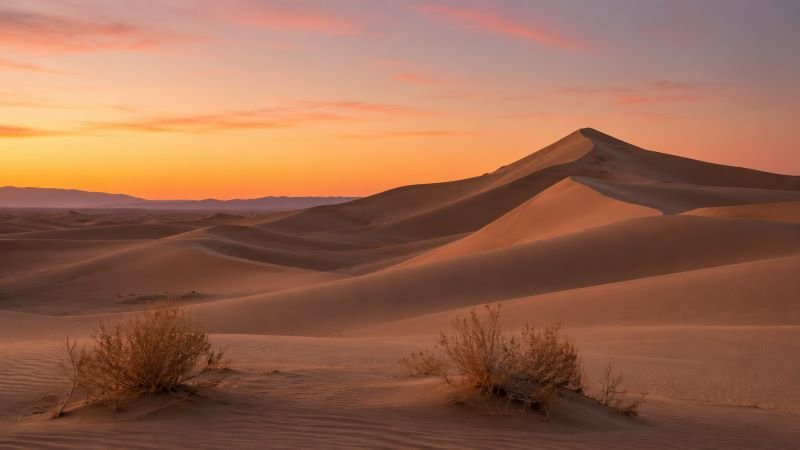
Prompt 5: Desert Dunes at Dawn
Source: ChatGPT
Prompt: “A quiet desert landscape at dawn. Large smooth sand dunes with soft shadows. A pale orange and pink sky just before sunrise. A few dry shrubs in the foreground. Completely still and silent feeling. Minimalist and wide composition. Photorealistic quality. Great as a desktop wallpaper.”
Best Used For: Minimalist desktop themes, wide monitor setups, and creative professional screens.
Pro Tip: Swap “dawn” with “night sky with stars and the Milky Way” for a completely different but equally stunning look.
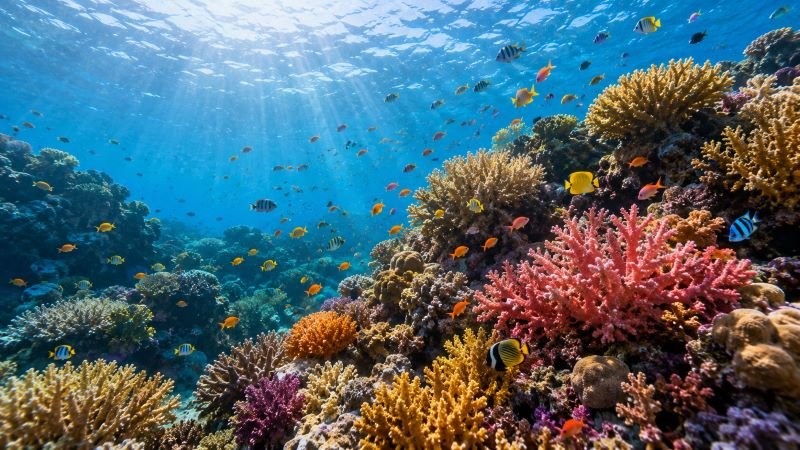
Prompt 6: Underwater Coral Reef
Source: ChatGPT
Prompt: “A colourful underwater coral reef scene. Many types of corals in pink, orange, and yellow. Small tropical fish swimming around. Clear blue ocean water with soft light rays coming from above. Peaceful and beautiful mood. Ultra-detailed and photorealistic. Wide desktop wallpaper.”
Best Used For: Bright and colourful screens, kids’ desktops, and creative displays.
Pro Tip: Add “a sea turtle swimming in the foreground” to give the image a clear and beautiful focal point.
How To Get a Better Result Using These Prompts?
Getting a great AI-generated wallpaper is not just about the prompt. Here are a few simple tips that will help you get better results every time.
Always mention the format. Add “16:9 ratio” or “4K wallpaper” at the end of your prompt so the AI knows the size and shape you need.
Describe the lighting. Words like “golden hour light,” “soft morning glow,” or “dramatic sunset light” make a big difference in the final image.
Run the prompt more than once. AI tools give a different result every time you use the same prompt. Try running it 3 to 5 times and pick the one you like best.
Mix and match. You can combine parts from two different prompts to create your own unique wallpaper. For example, take the forest from Prompt 1 and add the mist and waterfall from Prompt 4.
Keep it simple at first. If you are new to AI image generation, start with the easy prompts and gradually add more details as you get comfortable.
Which AI Tools Can You Use These Prompts On?
These prompts are compatible with all major AI image generation tools available in 2025. Some of the best options are listed below.
ChatGPT with DALL-E 3 is the easiest option for beginners. You can simply open ChatGPT, type your prompt, and get an image within seconds. A free plan is available with limited generations per day.
Midjourney is one of the most popular tools for high-quality wallpapers. It works through Discord and gives very detailed and artistic results.
Adobe Firefly is a good choice for people who already use Adobe products. It is available for free with a limited number of credits per month.
Stable Diffusion is a free and open-source option that you can run on your own computer. It gives you more control over the image but requires a bit more technical knowledge.
So, creating your own environment wallpaper with AI is one of the easiest and most enjoyable things you can do today. For creating these types of prompts, you do not require any design skills or knowledge of editing software skills. Just pick a prompt from this list, paste it into your favourite AI tool, and watch a beautiful wallpaper come to life in seconds.
Whether you love forests, oceans, mountains, or deserts, there is a prompt in this list for every kind of nature lover. Start with the easy ones and work your way up to the more detailed prompts as you get comfortable. With a little practice, you will be creating wallpapers that look better than any stock photo you could find online.